- Price
- From $25/mo
- Status
- Active · renamed Oct 2025
- Maker
- Superhuman (formerly Grammarly)
- Facts checked
Image: Superhuman — official share image, used for identification
Superhuman Mail at a glance: 7.1/10 (Good). A keyboard-first, AI-assisted inbox for Gmail and Outlook. Price: From $25/mo. Best for: Email-heavy professionals and teams on Gmail or Outlook who want a keyboard-driven, AI-assisted inbox and will pay a premium. Biggest drawback: Fewer AI features than rival AI email apps.
Verdict
Superhuman Mail is still the fastest way to burn through a heavy inbox if you learn its keyboard shortcuts, and Split Inbox plus AI auto-labels do real triage work. It’s also the most expensive app here at $25–$40 per month, and Zapier finds its AI thinner than newer rivals.
Get it if
Email is a big part of your job, you live in Gmail or Outlook, and an hour saved a week is worth $30 a month to you.
Skip it if
You rarely hit inbox zero anyway, dislike keyboard shortcuts, or want the most advanced AI drafting for less.
Overview
The company changed shape in 2025: Grammarly acquired Superhuman, then renamed itself Superhuman on October 29, 2025 (reported by Engadget and TechRadar). The email client is now “Superhuman Mail”, sold alongside Grammarly, Docs and the Superhuman Go assistant.
The core is unchanged: Split Inbox to separate VIPs, team and tool email; Snippets; Send Later and follow-up reminders; read statuses; and a design built around shortcuts. Superhuman AI adds auto-labels and Instant Reply; Auto Drafts, Ask AI, an MCP server and CRM integrations are reserved for Business.
Starter is $25 per member per month billed annually ($30 monthly); Business is $33 annually ($40 monthly). Apps are on iOS and Android, and it works with Gmail and Outlook accounts. A dedicated Windows desktop app is something we could not verify.
What it does
- Split Inbox (separate team, VIP and tool emails)
- Superhuman AI: auto labels, Instant Reply; Auto Drafts and Ask AI on Business
- Snippets (reusable templates)
- Send Later and follow-up reminders
- Read statuses
- Superhuman Mail MCP and CRM integrations (Business)
- Email Assistant that works inside Gmail or Outlook
Plans & platforms
| Pricing model | Subscription only |
|---|---|
| Free plan | No |
| Starter | $25/member/mo yearly ($30 monthly) |
| Business | $33/member/mo yearly ($40 monthly) |
| Email accounts | Gmail and Outlook |
| Windows app | Unverified |
Pricing as listed by Superhuman pricing page (per member, billed annually). Prices change; check before you buy.
The good
The bad
- Fewer AI features than rival AI email apps Zapier
- Learning curve: you need the keyboard shortcuts to get the speed Zapier
- Premium price ($30/month monthly for Starter); advanced AI (Auto Drafts, Ask AI) only on Business at $33–$40/month Superhuman (formerly Grammarly) (official)
What reviewers say
Zapier likes the split inbox and powerful shortcuts, but finds Superhuman has fewer AI features than rival AI email apps and a real learning curve.
Score breakdown
Five criteria, each 0–10, weighted into the overall score (see weights).
Questions people ask
Is Superhuman Mail worth it in 2026?
We rate Superhuman Mail 7.1/10 (Good). Superhuman Mail is still the fastest way to burn through a heavy inbox if you learn its keyboard shortcuts, and Split Inbox plus AI auto-labels do real triage work. It’s also the most expensive app here at $25–$40 per month, and Zapier finds its AI thinner than newer rivals.
How much does Superhuman Mail cost?
Starter: $25 per member/month billed annually; Business: $33 per member/month billed annually; Enterprise: Contact sales. Prices from Superhuman’s official pricing page, checked Oct 31, 2026.
What platforms does Superhuman Mail run on?
macOS, Web, iOS, Android.
What are the best alternatives to Superhuman Mail?
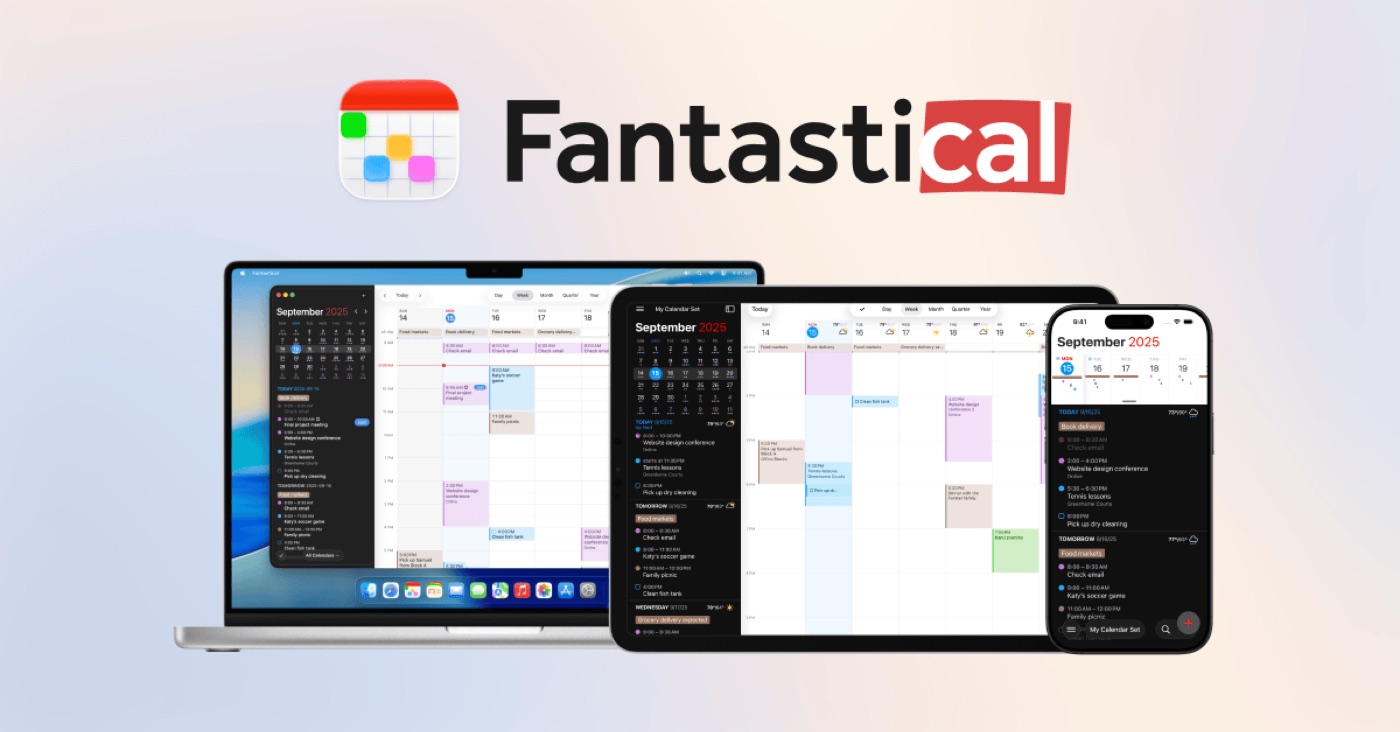
Fantastical (8.0/10, Free · $56.99/yr).
Is there a Superhuman Mail discount or coupon?
We found no official discount, coupon or verified deal for Superhuman Mail on Oct 31, 2026.
Sources
- Superhuman Mail Pricing superhuman.com · accessed Oct 31, 2026
- Superhuman Mail product page superhuman.com · accessed Oct 31, 2026
- Superhuman homepage superhuman.com · accessed Oct 31, 2026
- App Store listing apps.apple.com · accessed Oct 31, 2026
- Google Play listing play.google.com · accessed Oct 31, 2026
- Best AI email assistants (Zapier, updated Jul 2026) zapier.com · accessed Oct 31, 2026
- Grammarly has rebranded to Superhuman (Engadget) engadget.com · accessed Oct 31, 2026
- Grammarly has rebranded as Superhuman (TechRadar) techradar.com · accessed Oct 31, 2026
- Superhuman review (TechRadar, 2022-09-20) techradar.com · accessed Oct 31, 2026